
01
Upload images
Bring JPG, PNG, WebP, or a ZIP. Keep the batch in one dataset.
LabelSmelter
Models draft the labels. You approve what ships. Upload, annotate, review, and export — in one workspace.
Starter allowance includedNo card required

How it works
Four steps. AI does the heavy labeling. You keep the final call.
Bring JPG, PNG, WebP, or a ZIP. Keep the batch in one dataset.
Name the classes you need. Give the model a clear vocabulary.
A model drafts boxes, tags, or captions across your images.
Approve or correct every suggestion, then download labels you trust.
What you can annotate
Scroll to switch jobs.
Same workspace for every type.
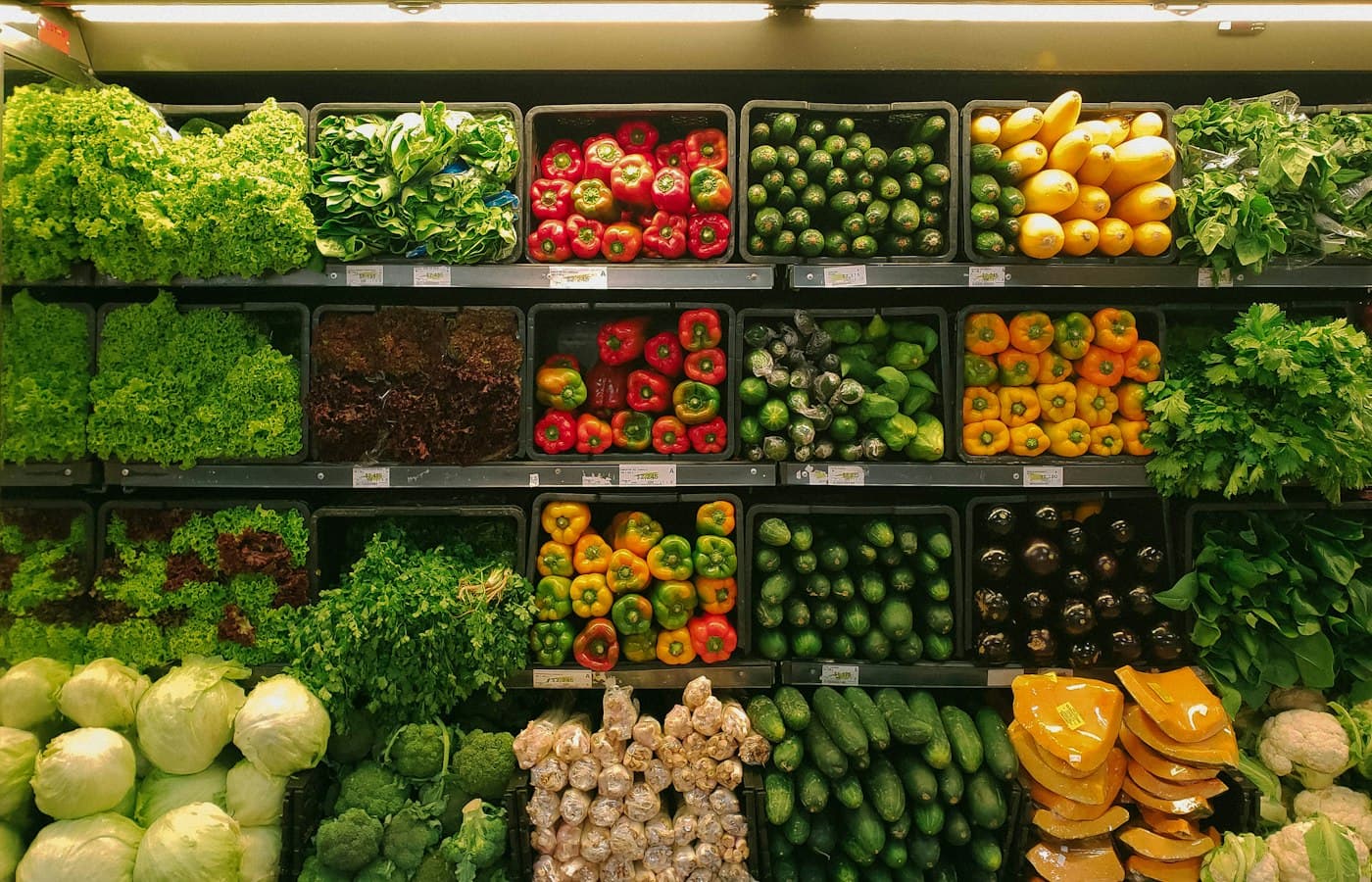
Human review
AI annotation drafts the first pass.
You catch what a single suggestion can miss.
Clear objectA delivery van waits at the crosswalk.A cyclist enters from the left.Easy to miss
Inside the workspace
Import. Annotate. Review.
Built for AI annotation, not busywork.
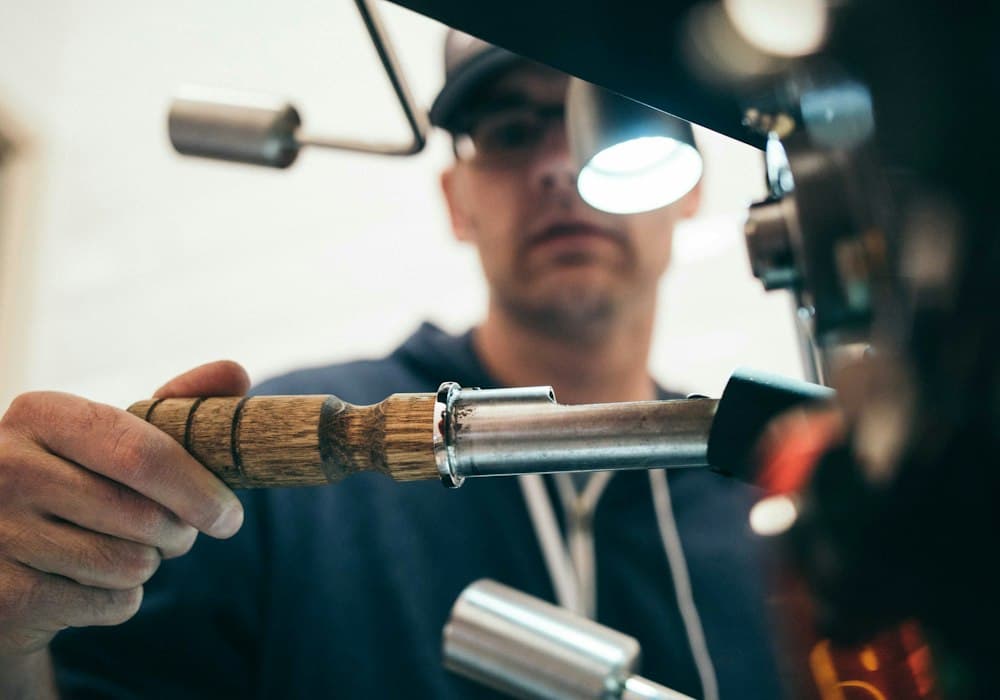
Import
Upload images, set the label schema, choose a model.

Annotate
The model drafts boxes and tags across the batch.

Review
Correct drafts, then export labels you trust.
Plans & benefits
Credits only spend when you run AI annotation. Upload, review, and export stay free.
Try the full workflow with no card required.
About 1,000 credits / month
Personal capacity for larger datasets.
About 2,250 shared credits / month
Shared capacity for you and up to four teammates.
Credits are granted from your plan payment each month. Uploading, manual review, and exports never use credits.
Support
Billing, accounts, annotation questions — write us and we will get back to you.
Ready when you are
Create an account and get a starter allowance — no card required.